Home
Closer clinic–laboratory coordination
Prosthetic dentistry
Personal restorative planning that considers function, comfort and appearance when teeth are missing or substantially damaged.
Get assessed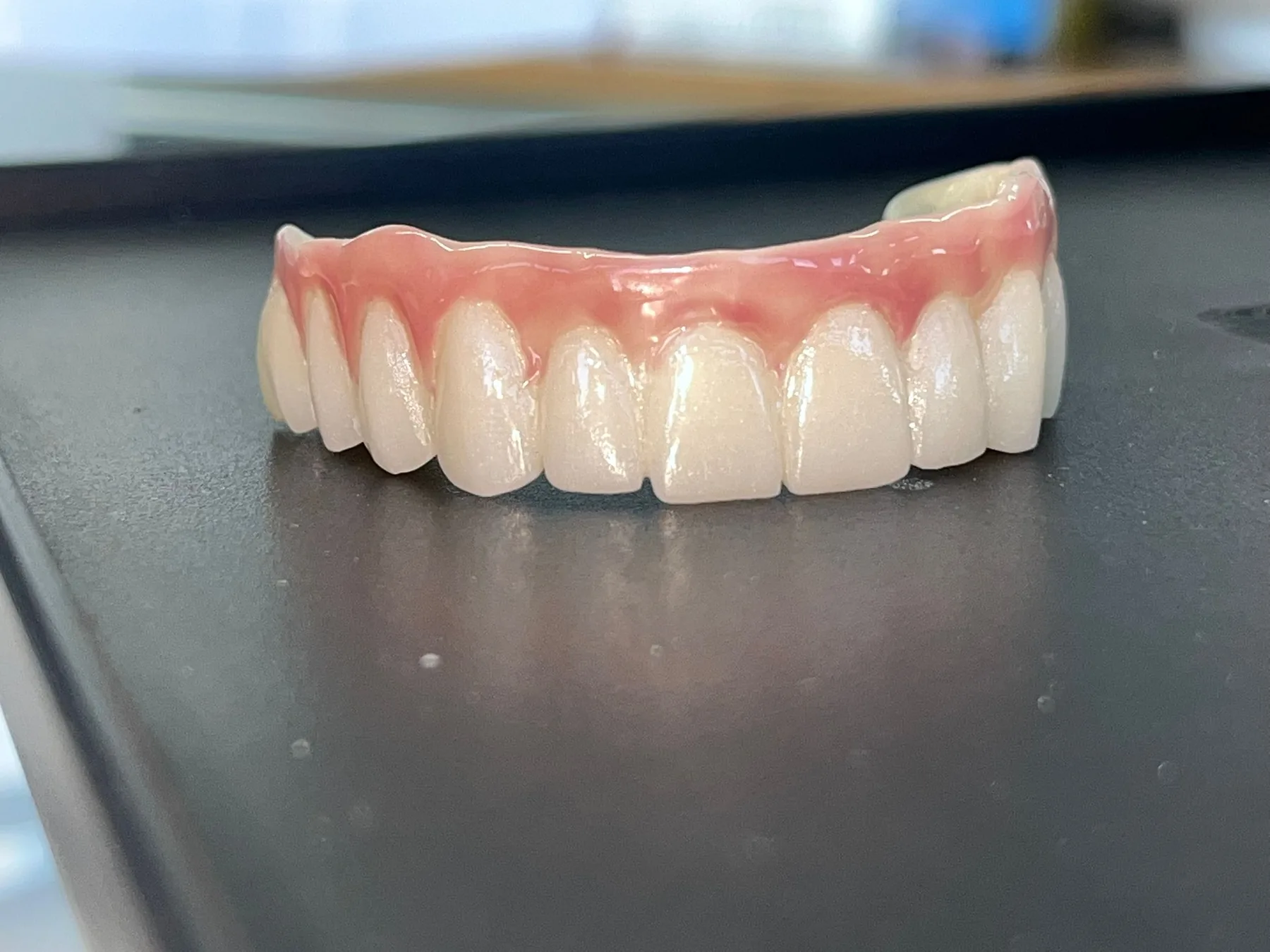 Illustrative treatment image
01
Understand the treatment
Prosthetic dentistry uses crowns, bridges, removable dentures or implant-supported restorations to help restore the function and appearance of missing or damaged teeth.
Real in-clinic laboratory image; the restoration used is determined individually.
02
When might it be considered?
Restore missing tooth spaces
Protect compromised teeth
Plan personal aesthetic harmony
03
Who may be assessed for it?
Assessment of tooth and gum health
Review of remaining teeth and bone support
Consideration of personal care ability and expectations
04
Possible stages, from planning to review
Assessment
Support tissues and bite are examined.
Planning
Fixed and removable options are compared.
Records and production
The restoration is made from personal clinical records.
Fit and review
Comfort, bite and care are checked.
05
What to discuss before deciding
Adaptation varies between individuals.
Restorations may need maintenance, repair or replacement.
Regular reviews support the health of remaining tissues.
06
Other approaches that may be considered
Bridge
Removable denture
Implant-supported options
Monitoring where appropriate
07
Frequently asked questions about this treatment
01Is a fixed or removable option better?
Suitability depends on remaining teeth, bone, general health, ability to maintain the restoration and personal priorities.
08
Trusted information sources
These independent health resources can help you build a general understanding of the treatment.
This content is for general information only; it is not a diagnosis, examination or personal treatment recommendation. Suitability, risks, alternatives, timing and expected outcomes can only be discussed personally after a dentist’s clinical assessment and any necessary imaging.
Personal assessment
Let’s understand the right next step together.
Complete the short form. The button does not automatically transmit your information; it opens a message draft for you to review and send through your chosen channel.
Get assessed